Web Interface Settings
To access the Web Interface settings, follow the path [MENU] -> [SETTINGS] -> [GENERAL SETTINGS] -> [WEB INTERFACE].
Change web password
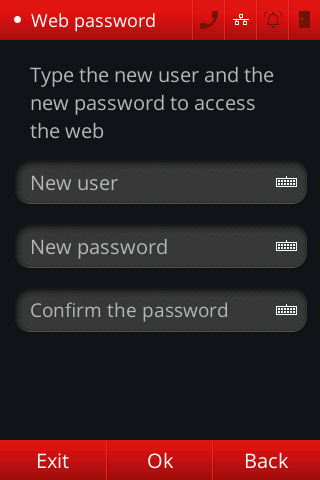
The settings that can be changed on this page are:
- Username: New username that will be used for connection to the embedded Web Server (instead of the default "admin").
- Password: New password that will be used for connection to the embedded Web Server (instead of the default "admin").
It is important to remember that these credentials are already mandatorily modified after the first Web Interface login in case they are still the default ones. More details can be found at security hardening
Activate/deactivate Web Interface
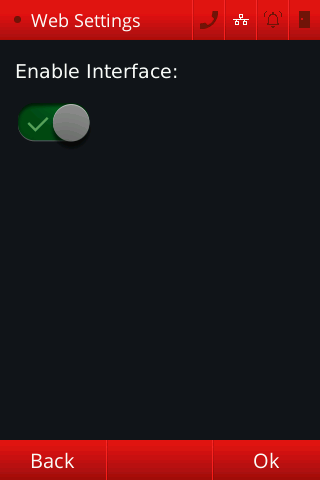
When activated, anyone with access to the network is capable of accessing the Web Interface login page, just by writing the device IP on a browser search bar. When deactivated, the only way to access the menu or to alter device settings is by the display's graphical interface or by the API.
After setting the new username and password or the Web Interface activation parameters, press the [OK] button to save the settings.