First use of the device
When using the device for the first time, some information will be requested to optimize its usage according to the user's preferences.
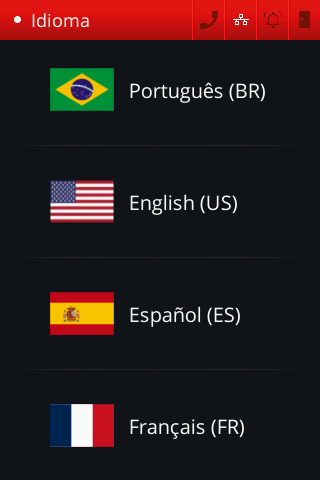
Select language
Initially, you will be asked to choose a language. Currently, the device can be used in Portuguese, English, Spanish and French.
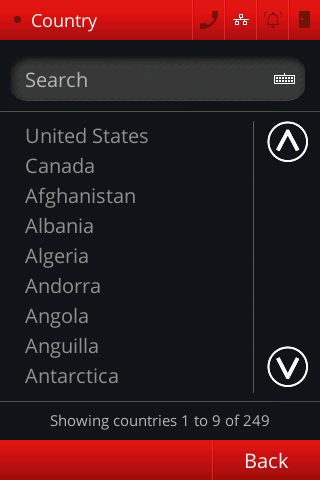
Select region
Next, you will be prompted to select your region.
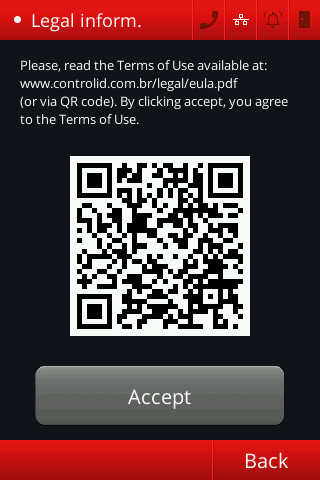
Terms of use agreement
Once the preferred language and region are selected, you must accept the EULA, which can be accessed via the QR Code displayed on the screen.
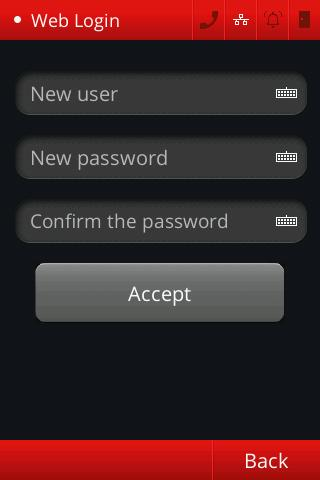
Change Web Interface credentials
You are now required to change the access credentials for the device’s Web Interface. More information can be found in Security Reinforcement and Web Interface Settings.
Next steps
Your equipment is now ready to use. In the following sections, you will learn how to interact with the menus, register users and their access rules, configure operational settings, and explore other available options.